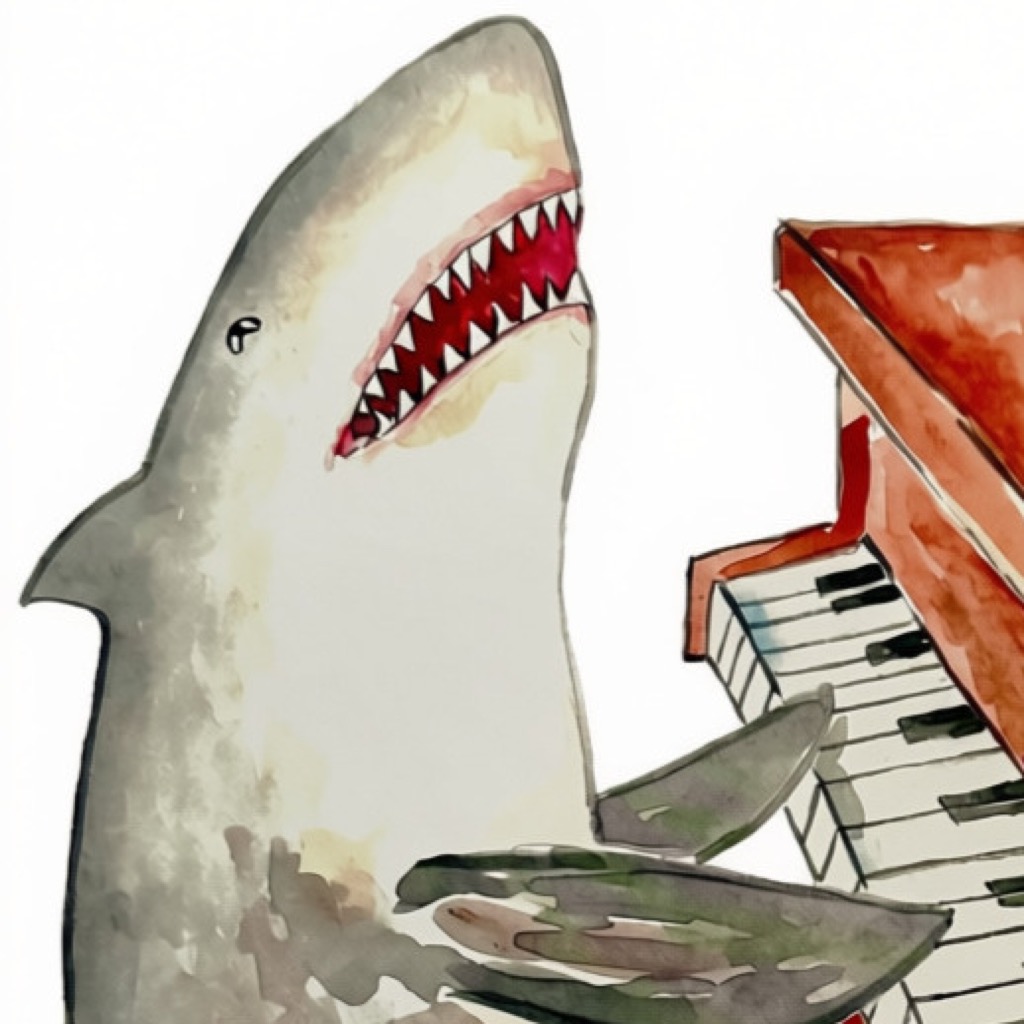
Your practice, your data
Privacy policy
Effective: October 23, 2026 · Last updated: October 24, 2026
Piano Shark saves your practice on your device. iCloud sync is optional and off until you enable it. We do not run a server for your practice records, sell your data, show ads, or track you across apps or websites. You do not need a separate Piano Shark account.
1. Who this policy covers
This policy applies to the Piano Shark app for iPhone and iPad and its companion website. Piano Shark is made by Ian Feyk and published by Penxhere Publishing LLC in New England, United States. In this policy, “we” means Penxhere Publishing LLC.
2. Information the app handles
The app processes information you create or choose to import so it can track and report your practice:
- Practice records: dates, durations, notes you type, record identifiers, and whether a record came from a timer, manual entry, or an import.
- Timer state: start and pause times, elapsed segments, and the current session’s state, so a timer can survive closing the app.
- Files you select: supported CSV, JSON, and older Piano Shark calendar files. The app reads these on your device, shows a review, and saves accepted practice records only after you confirm. It does not upload your original files to us or change them.
- Sync information, if enabled: an iCloud account record identifier, a random installation identifier, device type (iPhone or iPad), record versions, change/deletion markers, sync status, and timer ownership information. These support synchronization and prevent conflicting devices from saving the same timer.
This information is used for practice timing, history, reports, imports, exports, recovery, and optional synchronization. It is not used for advertising, profiling, or marketing.
Piano Shark does not request access to your microphone, camera, contacts, photos, location, or health data. It does not record or analyze audio. It contains no advertising or third-party analytics SDKs and does not request an advertising identifier.
3. Local storage and optional iCloud
On your device
Practice and timer information are saved in the app’s private storage. A random sync installation identifier is kept in the device’s Keychain; it is not an Apple password and does not use iCloud Keychain. Local practice tracking works without a network connection. Your device’s backup settings may include app data in an Apple or computer backup.
If you enable iCloud sync
Under Your data → Sync with iCloud, you can choose to synchronize using the Apple Account already signed into your device. Practice records, notes, record changes, recoverable deletions, and shared timer information are then sent to your private CloudKit database, operated by Apple. The app uses CloudKit’s encrypted fields for practice and timer payloads. Apple also processes the technical information necessary to provide iCloud and sync notifications.
Your private CloudKit practice records are not available to us through the developer CloudKit console, and we do not receive a separate copy. The app does not use a public practice database or send your records to a Penxhere server. Apple provides the storage and synchronization service under its own privacy policy and iCloud terms.
You can withdraw your choice to sync by turning Sync with iCloud off. This stops further app synchronization while it remains off; it does not erase your local or iCloud copies. Changes made locally may synchronize if you turn it on again.
4. Exports, sharing, and external links
Backups, CSV exports, and PDF reports are created on your device. You decide where to save, print, or share them using Apple’s file and sharing controls. An exported file may contain your practice dates, durations, and notes. JSON backups may also include a timer snapshot; importing one does not restart that timer. Portable JSON backups exclude iCloud account identifiers and internal sync bookkeeping.
If you choose an email, cloud drive, printer, or another destination, that service handles the copy under its own privacy practices. Deleting a record in Piano Shark does not delete copies you have exported or shared.
The app and website link to Penxhere Publishing and the artist’s Etsy shop. Opening an external link takes you to a service with its own privacy policy. We do not include your practice records in those links.
5. Retention, deletion, and your choices
Practice is kept until you change or remove it. There is no automatic expiration of saved practice history.
- View, correct, or export: use History to review and edit entries, and Your data to export a backup or CSV. Reports can be exported as PDF.
- Delete an entry: remove it in History. With sync enabled, the deletion travels to your other devices. Synced deleted entries and their notes remain recoverable in “Review changes & recently deleted,” without an automatic expiry. Deletion markers and conflict versions are retained to support recovery and prevent an offline device from bringing back an old record. Deleting an entry is therefore not a permanent erasure of all its stored versions.
- Stop cloud processing: turn off Sync with iCloud. Finish or discard any shared timer while connected first. Turning sync off alone does not erase existing cloud data.
- Remove local practice: delete the app using iPhone/iPad Settings or the Home Screen. Choose Delete App, rather than Offload App, to remove its local practice storage. This does not erase your iCloud history, exported files, device backups, or a device Keychain identifier.
- Remove cloud practice, including recoverable entries: stop sync on every device, then use your device’s iCloud storage management controls to delete Piano Shark’s stored iCloud data, where available. The labels and options vary by operating system. Apple’s iCloud storage guidance explains storage management. Contact us if you need help finding the appropriate controls. We cannot directly erase records in your private iCloud database.
- Remove every copy you control: also delete local app data on your other devices and any exported files or device/computer backups you no longer want. Do not re-enable sync from a device with old practice you intend to erase, because that copy may upload again. Apple controls any remaining service backup retention under its policies.
No Piano Shark account is created, so there is no separate app account to close. For questions, help with these choices, or a request to access, correct, or delete correspondence you have sent us, use the contact details below. Depending on where you live, you may also have rights to object to or restrict processing and to complain to your local privacy regulator.
6. When you contact us
If you email support, we receive your email address and whatever message or attachments you choose to send. We use these only to respond, troubleshoot, and maintain necessary support records, not to market to you. Please avoid sending practice backups or sensitive notes unless they are needed for your request.
Support correspondence is handled through our email service and retained only as long as needed to resolve and follow up on the request or meet legal obligations. You can request deletion using the same contact address. Our email provider processes messages to deliver and store correspondence; we do not share support information with advertising networks or data brokers.
7. This website and Apple services
This website has no analytics scripts, tracking pixels, third-party fonts, or embedded services, and does not set cookies or use browser storage. Its hosting service necessarily processes connection information, such as IP address, requested page, browser information, and request time, to deliver and protect the site. Hosting log retention depends on the service’s configuration and policies. This website does not receive your app practice records.
Apple separately operates the App Store, iCloud, and any device diagnostic or analytics services you enable in Apple’s settings. Information Apple processes for its own services is governed by Apple’s privacy policy. Piano Shark does not include its own remote crash-reporting or analytics service.
8. Children’s privacy
Piano Shark is a general-purpose practice tracker. We do not ask for a name, age, email address, or child profile to use it, and do not knowingly collect children’s personal information through the app. Parents and guardians can manage device access and iCloud through Apple’s settings. If you believe a child has sent personal information to our support address, contact us so we can address it and delete it where appropriate.
9. Security and changes
The app uses Apple’s app storage, Keychain, and CloudKit facilities. Protect your device, Apple Account, and exported backups; exported files can be read by people or services you share them with. No storage or transmission method can guarantee absolute security.
We will update this page when the app’s privacy practices change and revise the date above. If a change requires a new permission or consent, it will be requested before that processing begins.
10. Contact
For Piano Shark support, privacy questions, or requests about information you have sent us, contact Penxhere Publishing LLC (attention: Ian Feyk).
Email: contact@bluedecklogbook.com. Please include “Piano Shark” in the subject line so we can direct your request.