Press play. Make music.
Start, pause, and resume your timer. It keeps your place when you lock your screen or leave the app. Already practiced? Add the time yourself.
 Piano SharkBy Penxhere Publishing
Make room for music
A simple practice tracker for the time you spend making music. Press play, settle in, and let the minutes add up.
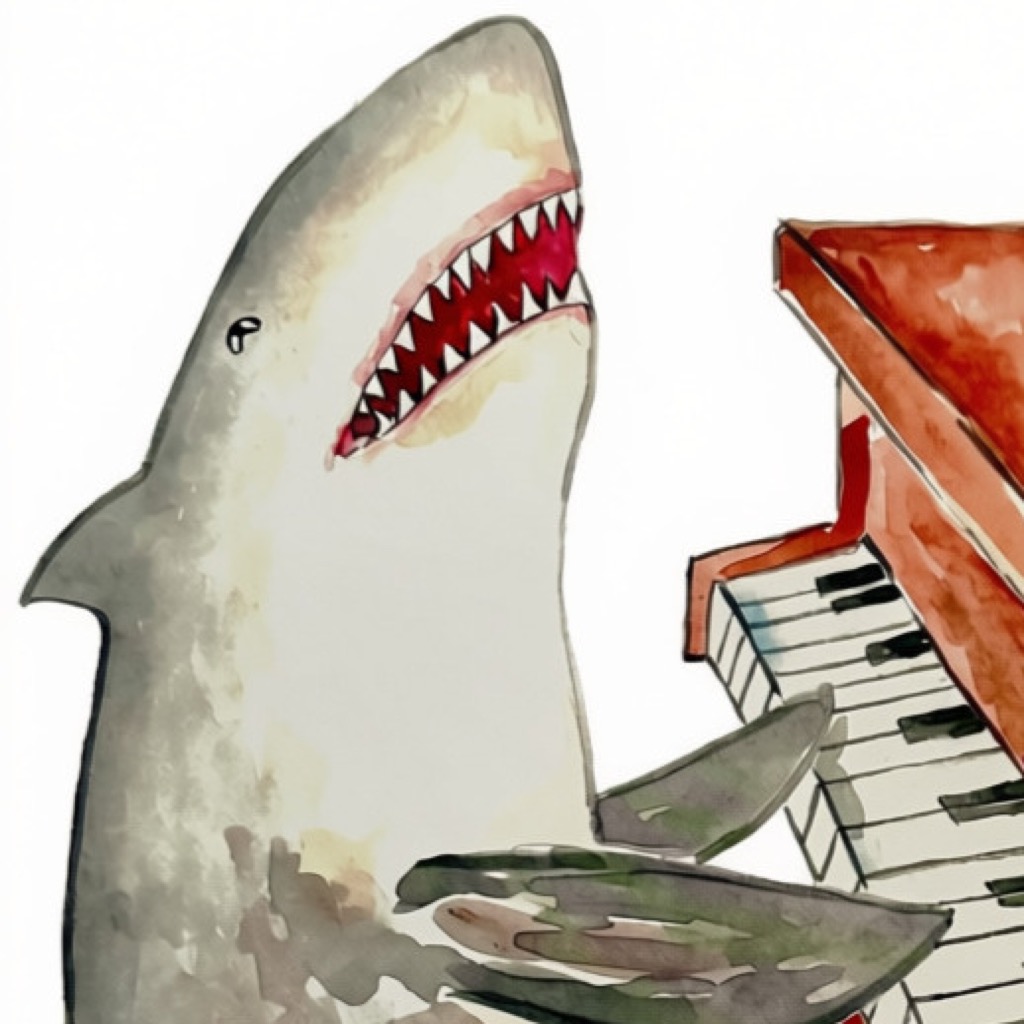
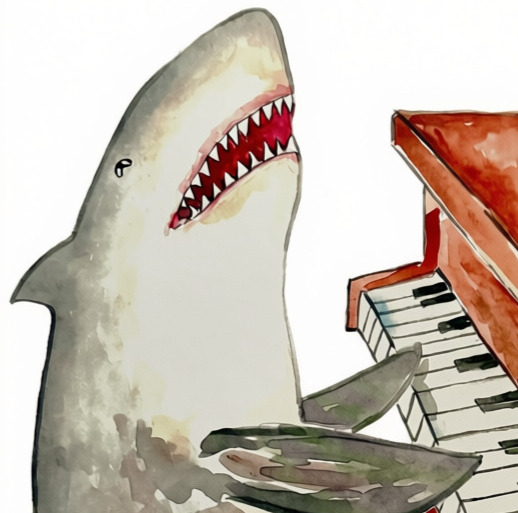
Your personal practice room. One very enthusiastic shark.
Every minute counts
Whether you have ten minutes or a whole afternoon, Piano Shark gives your practice a place to land.
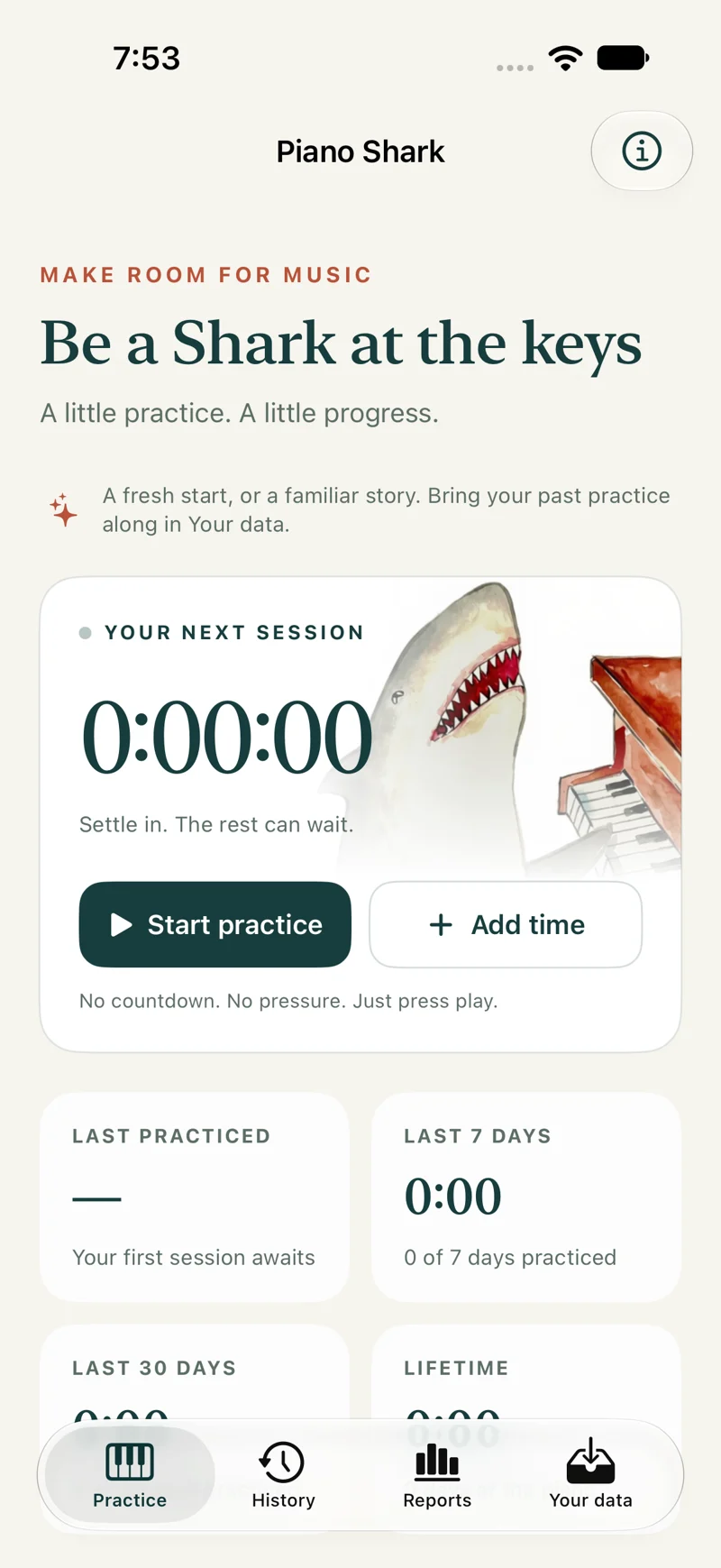
Start, pause, and resume your timer. It keeps your place when you lock your screen or leave the app. Already practiced? Add the time yourself.
Save a session with a note, revisit your history, and edit an entry when you need to. A new piece, a tricky passage, a small breakthrough—it all has a home.
Look back over a week, a month, a year, or all your practice. Reports bring together your time, practice days, trends, and personal bests.
One practice room
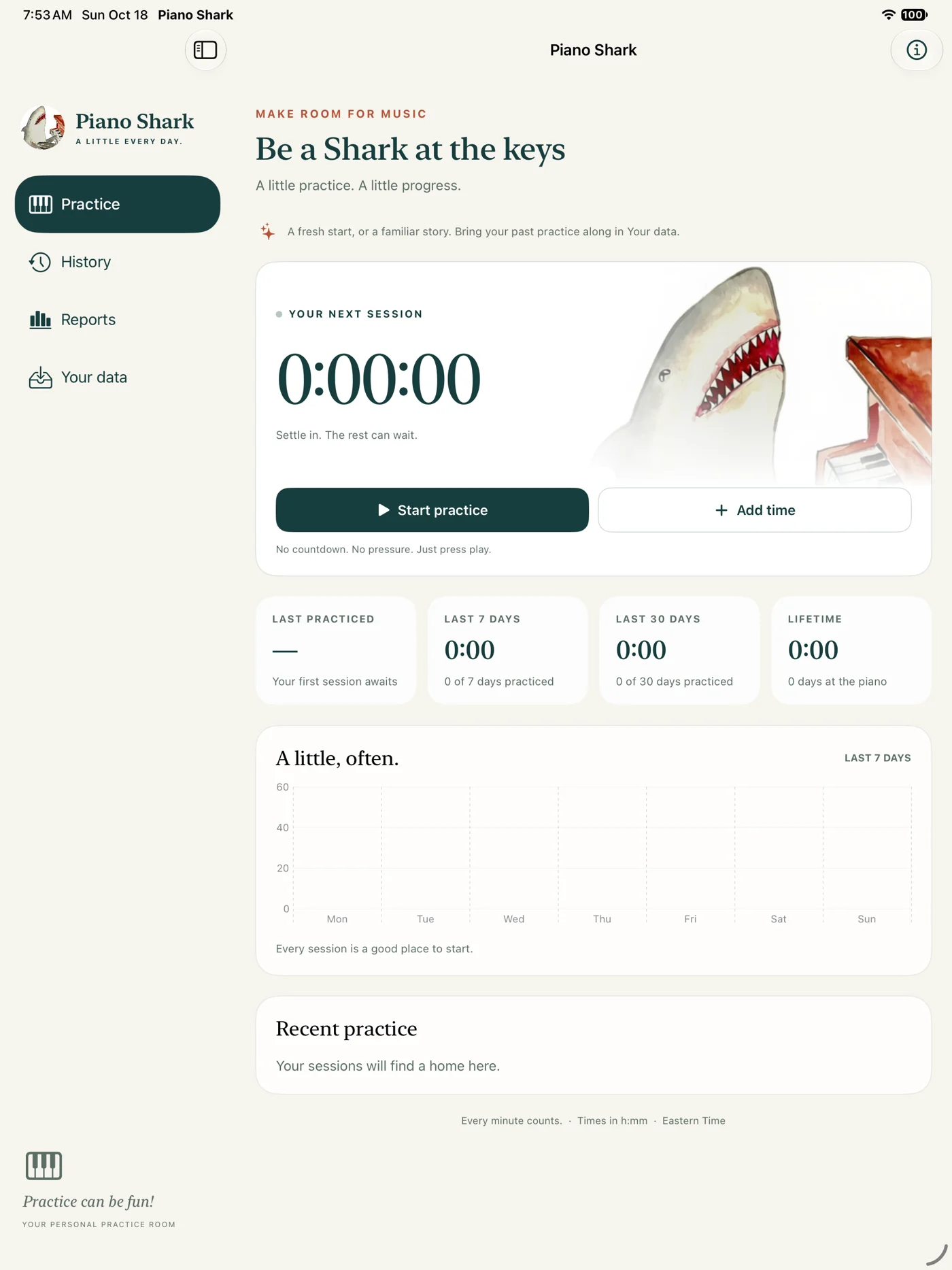
A compact companion on your phone. A little more room to spread out on iPad. Turn on optional iCloud sync to keep your history together, and use an explicit handoff to continue a timer on your other device.
Practice saves on your device first. Sync uses the same Apple Account on both devices; shared timer handoff needs a connection.
Your practice, your data
Bring practice from a spreadsheet with CSV import, or restore a Piano Shark JSON backup. Review what’s coming in before saving it.
Export a JSON backup, take your history to a spreadsheet, or save and print a PDF report. No separate Piano Shark account needed.
Read the privacy policyA note from Ian
I’m a part-time app developer and a part-time piano enthusiast. I built Piano Shark because I needed a simple way to track my practice, and figured other people might like it too.
You can practice anything with Piano Shark. This shark happens to like piano. I just didn’t have a cool painting of a guitar shark or a cello shark. Make it your own.
— Ian Feyk, Penxhere Publishing
A few good questions
Track practice for any instrument—or anything else you’re working on. The shark has a preference. Your timer doesn’t.
Yes. Piano Shark is being made as a free app, without ads, subscriptions, or in-app purchases. It’s coming soon for iPhone and iPad; a download link will appear here when it’s available.
No. Piano Shark tracks time and the notes you type. It does not record audio, use your microphone, or grade your playing.
Yes. Local timing, history, and reports work offline. iCloud sync is optional. Changes wait on your device while you’re offline; handing off, saving, or discarding a shared timer needs a connection to confirm which device controls it.
Yes. Import a CSV with Date, Duration, and optional Notes columns, or a Piano Shark JSON backup. The app previews records before importing, skips duplicates, and flags conflicts. You can also export backups, CSV files, and PDF reports.
From our practice room to yours
Piano Shark is coming soon, free for iPhone and iPad.
Questions or something you’d like to share? Email contact@bluedecklogbook.com